How to add / modify your support email your customers see?
This is how you can add or modify your support email that your customers would see.
- Click on the "settings" button under your SuperProfile dasahboard.
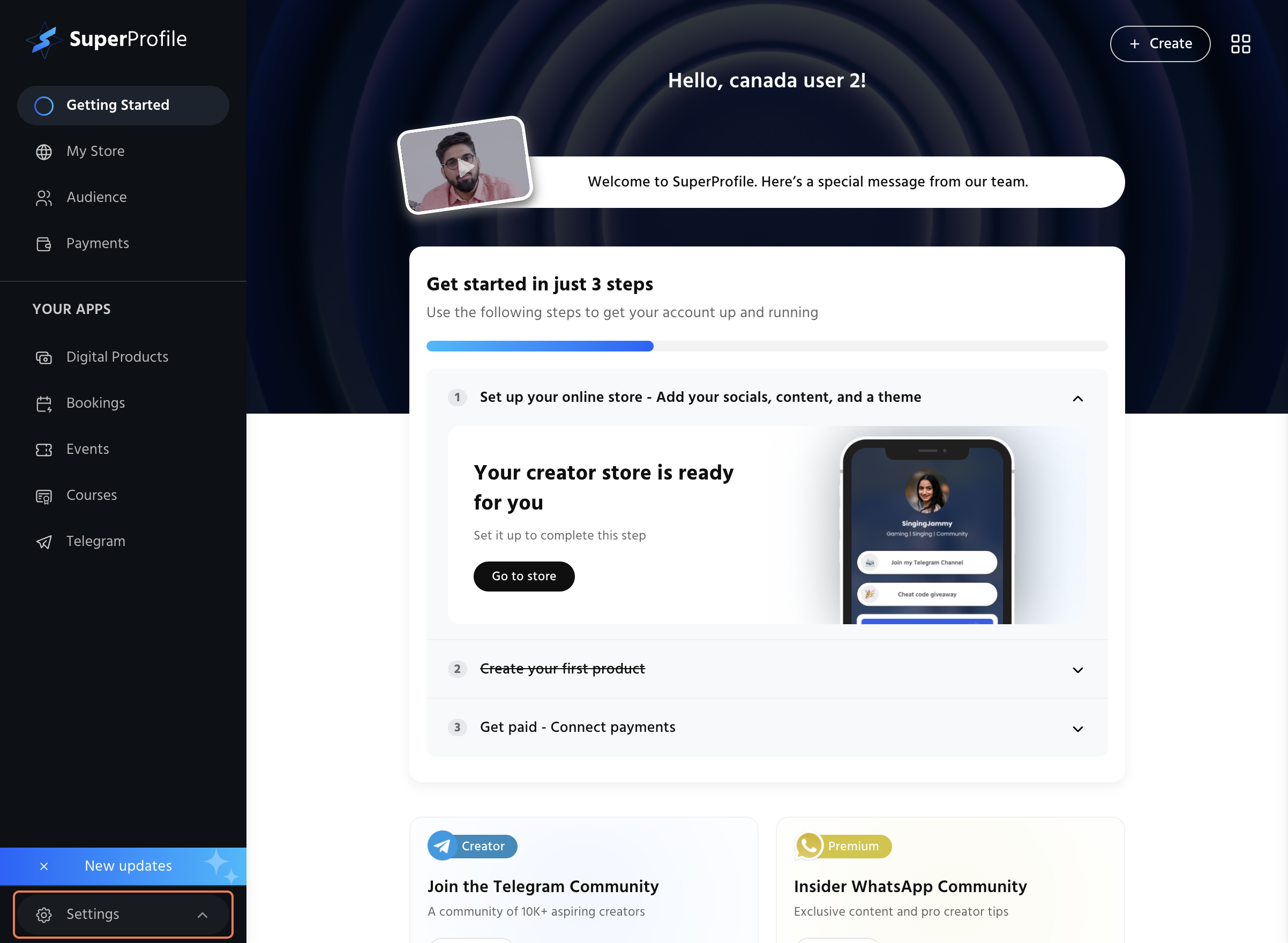
- Click on the account settings tab under the settings button.

- Now click on the profile button under the account settings tab.

- Under the Support channels tab you can update or modify the support email that your customers would see.

Now you have successfully updated the email that your customers would see.